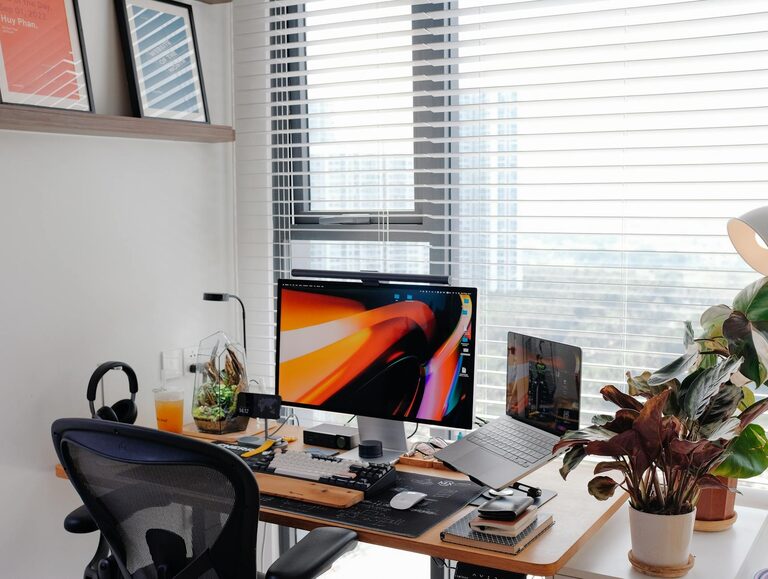
Creating a productive home office workspace is essential for anyone working remotely or spending significant time on projects at home. A well-organized and comfortable environment can help you stay focused, reduce distractions, and maintain a healthy work routine. If you’re looking to improve your home office setup, this guide offers practical tips to enhance both productivity and comfort.
Choose the Right Location
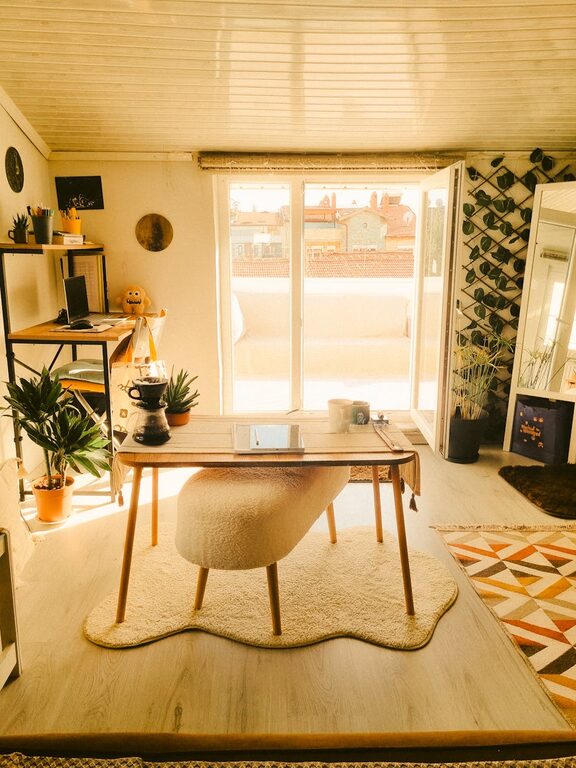
Selecting the best spot for your home office is the first step. Ideally, pick a quiet area with minimal foot traffic to limit interruptions. A dedicated space, even if small, helps set clear boundaries between work and personal life.
Consider these factors when choosing your location:
– Natural light: Positions near windows improve mood and focus.
– Privacy: Avoid areas near noisy appliances or household gatherings.
– Space: Ensure enough room for your desk, chair, and storage needs.
Invest in Ergonomic Furniture
Comfort is key when working long hours. Ergonomic furniture reduces strain on your body, preventing discomfort and injuries that can lower productivity.
Desk
Choose a desk that fits your space and meets your workflow needs. Adjustable desks allow you to switch between sitting and standing positions, which benefits circulation.
Chair
An ergonomic chair with adjustable height, lumbar support, and comfortable padding promotes good posture. Test chairs if possible to find one that suits your body shape.
Organize for Efficiency
A clutter-free workspace fosters a clear mind. Keeping your desk and surrounding area organized helps you focus and find what you need quickly.
Declutter Regularly
Remove items you don’t use daily. Use drawers, shelves, and storage boxes to keep materials out of sight.
Use Organizers
Desk trays, file holders, and cable management tools keep your workspace tidy and prevent distractions.
Optimize Lighting
Good lighting reduces eye strain and creates a pleasant environment.
– Use natural light during the day by positioning your desk near a window.
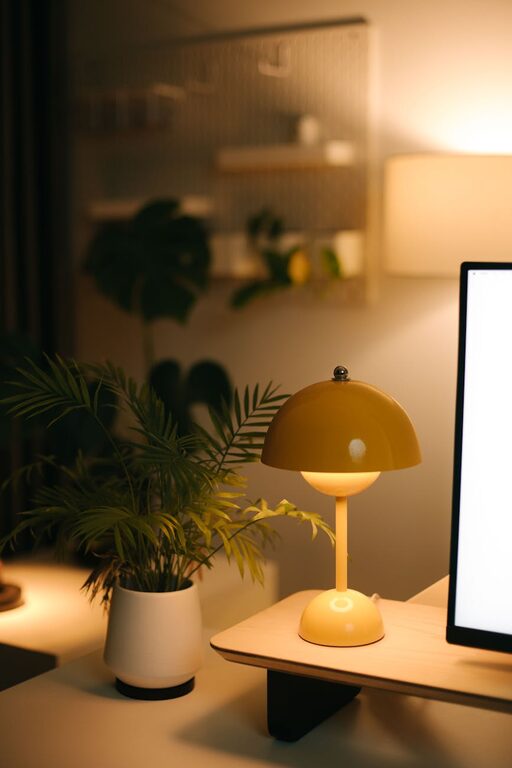
– Add adjustable desk lamps with soft, warm light for evening work.
– Avoid glare on computer screens by placing light sources to the side or behind your monitor.
Minimize Distractions
Staying focused at home can be challenging. To minimize distractions:
– Use noise-cancelling headphones or play background music if helpful.
– Set clear work hours with household members.
– Turn off notifications on your phone or use apps that limit distractions.
Personalize Your Space
Adding personal touches can make your home office inviting and inspiring without overcrowding the area.
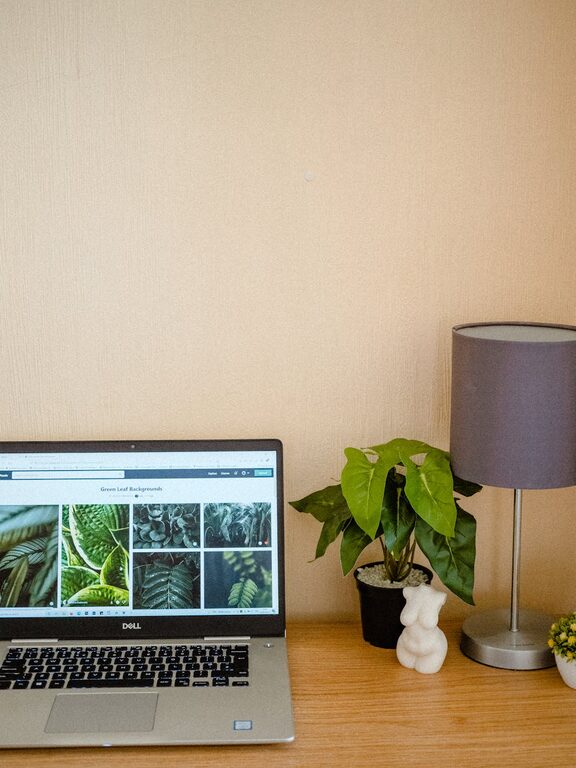
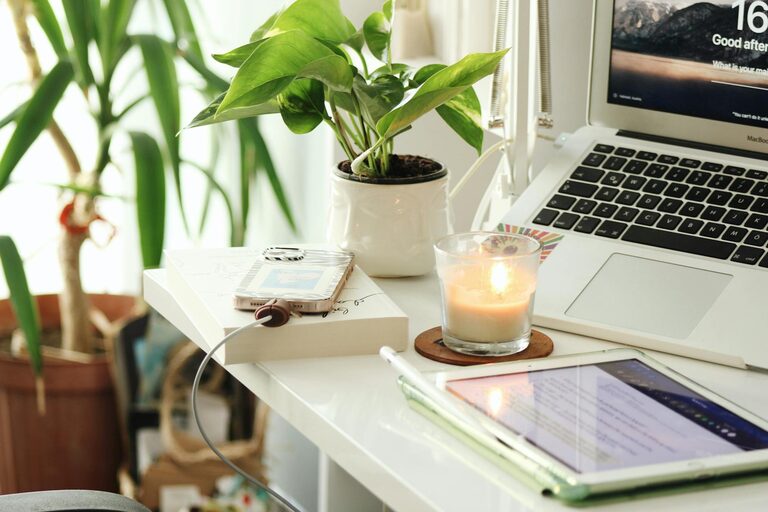
– Display a plant or two to boost mood and air quality.
– Hang artwork or photos that motivate you.
– Use colors that make you feel calm and energized.
Establish a Daily Routine
Structure your day to include breaks and varied tasks to maintain productivity.
– Start your day by organizing your to-do list.
– Take short breaks every hour to stretch or rest your eyes.
– End work at a consistent time to unwind and separate work from personal time.
Maintain Technology and Connectivity
Reliable technology and internet connection are crucial. Keep your equipment updated and your workspace free from tangled wires.
– Use a high-speed internet connection.
– Keep chargers, cables, and devices organized.
– Backup important files regularly.
—
By applying these tips, your home office can become a space where productivity thrives, and work feels enjoyable and manageable. Remember, your workspace should be tailored to your preferences and needs, so feel free to adapt these suggestions to what works best for you.
About the Author