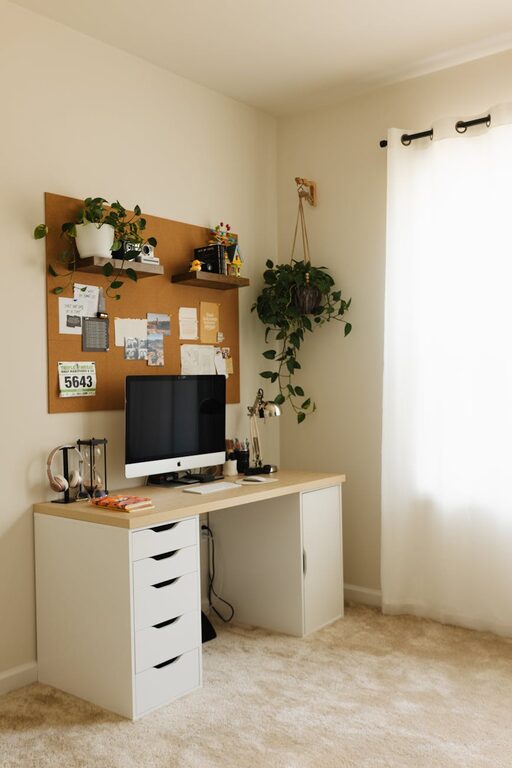
Creating a home workspace that is both cozy and productive can greatly improve your work-from-home experience. Whether you’re freelancing, running a small business, or simply working remotely, having a designated area that encourages focus and comfort can make all the difference. In this post, we’ll explore practical tips to help you design a home workspace tailored to your needs.
Why a Cozy Workspace Matters
A cozy workspace isn’t just about aesthetics; it’s about creating an environment that supports sustained concentration and reduces stress. When your workspace feels welcoming, you’re more likely to enjoy your time spent working and maintain motivation throughout the day.
Choosing the Right Location
Opt for Natural Light
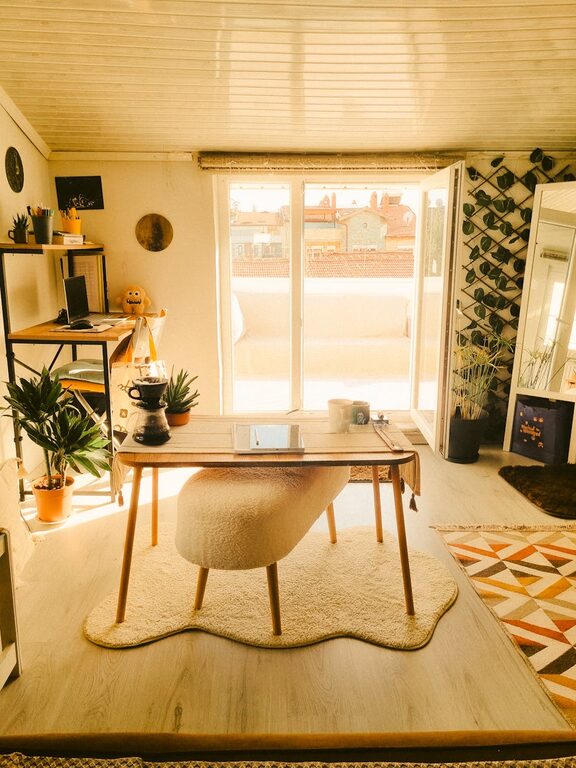
Whenever possible, set up your workspace near a window. Natural light helps regulate your body clock, improves mood, and reduces eye strain. If natural light is limited, invest in good quality daylight-balanced lamps to brighten your space.
Minimize Distractions
Select a quiet corner or room where interruptions are minimal. If noise is an issue, consider noise-cancelling headphones or a white noise machine to maintain focus.
Ergonomics: Comfort Meets Efficiency
Invest in a Supportive Chair
A comfortable chair that supports your posture is essential. Look for chairs with adjustable height, lumbar support, and enough cushioning to keep you comfortable during long hours. Your back will thank you!
Desk Height and Setup
Ensure your desk is at the right height so your elbows rest comfortably at about a 90-degree angle when typing. Place your monitor at eye level to avoid neck strain.
Personalizing Your Space
Add Cozy Elements
Incorporate items like soft cushions, a warm throw blanket, or a comfortable footrest. These small touches make your space inviting and help you feel relaxed.
Use Plants
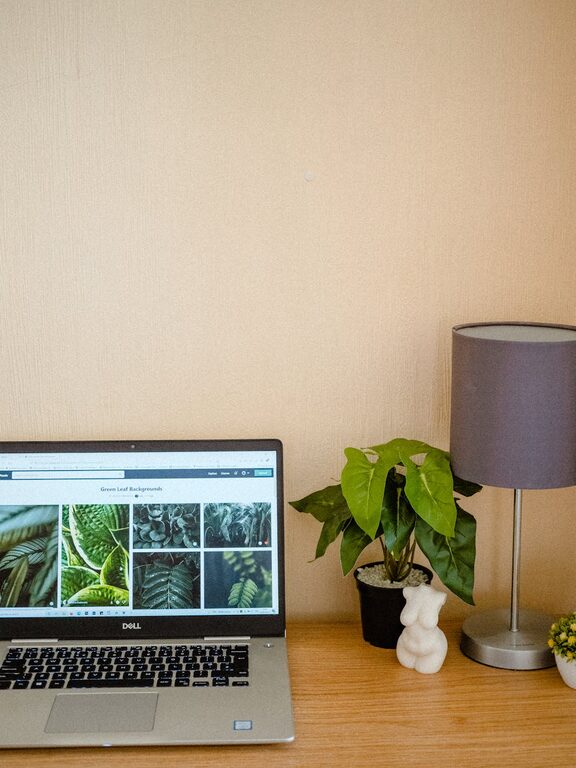
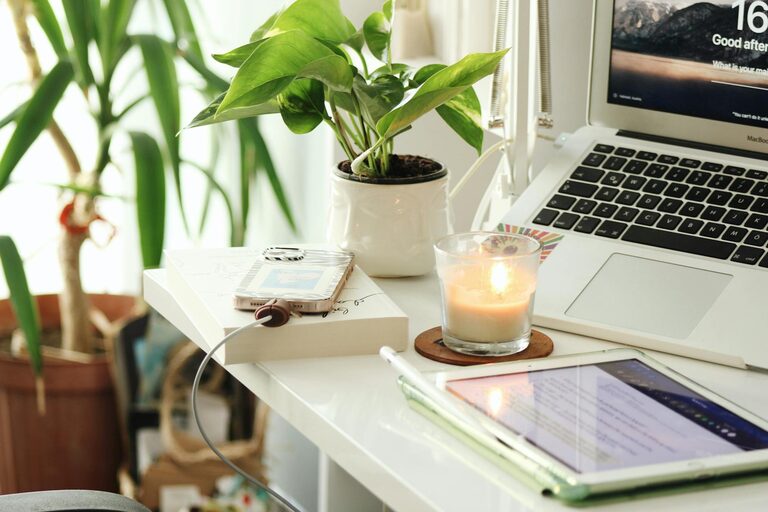
Greenery not only enhances the look of your workspace but also improves air quality and provides a calming effect. Low-maintenance plants like snake plants or succulents are great choices.
Display Personal Items
Frame a few favorite photos, artwork, or motivational quotes. Personal touches help keep your mindset positive and inspired.
Organizing for Productivity
Declutter Regularly
A clean desk reduces distractions and allows you to focus. Set aside a few minutes each day to tidy up your workspace.
Use Storage Solutions
Utilize shelves, drawers, or organizers to keep supplies and documents in order. Labeling storage containers can speed up finding what you need.
Keep Essential Tools Within Reach
Keep frequently used items like pens, notebooks, or chargers close by to maintain your workflow without interruptions.
Lighting Tips for Comfort and Focus
Layer Your Lighting
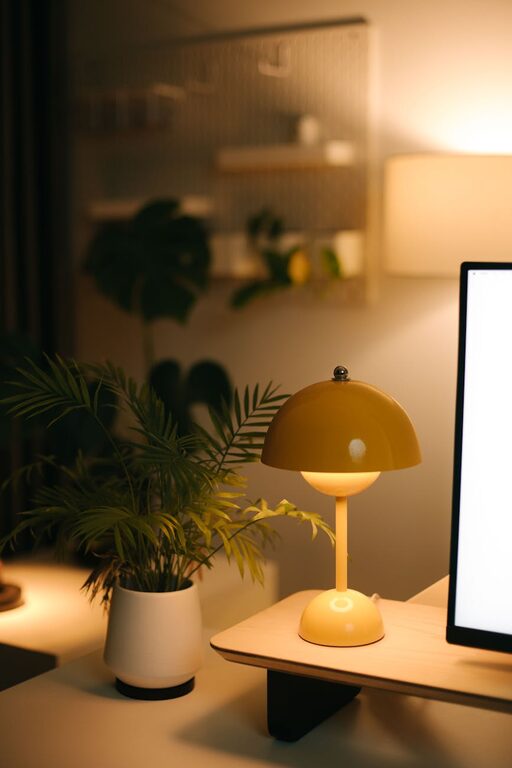
Combine ambient lighting (like overhead lights) with task lighting such as a desk lamp. This helps reduce eye strain and creates a pleasant atmosphere.
Avoid Glare
Position your computer or screen so that light sources don’t cause glare. If needed, use anti-glare screen protectors.
Technology Setup
Reliable Internet Connection
Ensure your internet is fast and stable to avoid disruptions during meetings or when accessing online resources.
Cable Management
Use clips and cable ties to organize cords and prevent clutter, which can be distracting and make your space feel cramped.
Establishing Boundaries and Routines
Define Your Work Hours
Set clear start and end times to maintain work-life balance. Inform family members or roommates about your schedule to minimize interruptions.
Create a Pre-Work Ritual
Engage in a short routine, such as making a cup of tea or reviewing your to-do list, to signal the beginning of your workday and get you into the right mindset.
Take Breaks
Incorporate short breaks and stretch sessions to prevent fatigue and maintain productivity. Use reminders or apps to help you stay on track.
Conclusion
Designing a cozy and productive home workspace is all about balancing comfort, organization, and functionality. By investing time in creating a space that feels inviting and supports your work habits, you’ll likely find increased focus and motivation throughout your day. Remember to personalize your area and adjust as your needs evolve. Happy workspace designing!
About the Author